
Productivity
Opus Clip: Best AI Productivity Tool for Marketers?
Workflows Opus Clip appears in
Best for
- Creators repurposing podcasts into short-form video
- YouTubers producing Shorts from long-form content
- Marketing teams turning webinars into social clips
Not for
- Virality score is more guidance than prediction
- Auto-caption styling can look samey across creators
- Free tier limits quickly hit (90 min/mo)
Pricing
From: $19/mo
Free plan available See full pricing →Key features
- AI auto-clip detection from long video
- Auto-captions with style templates
- Active speaker face tracking
- Virality score per clip
- Multi-aspect-ratio export (9:16, 1:1, 16:9)
- Direct posting to TikTok, Reels, Shorts
Limitations
- Virality score is more guidance than prediction
- Auto-caption styling can look samey across creators
- Free tier limits quickly hit (90 min/mo)
- Better at podcast clips than narrative video
What it is
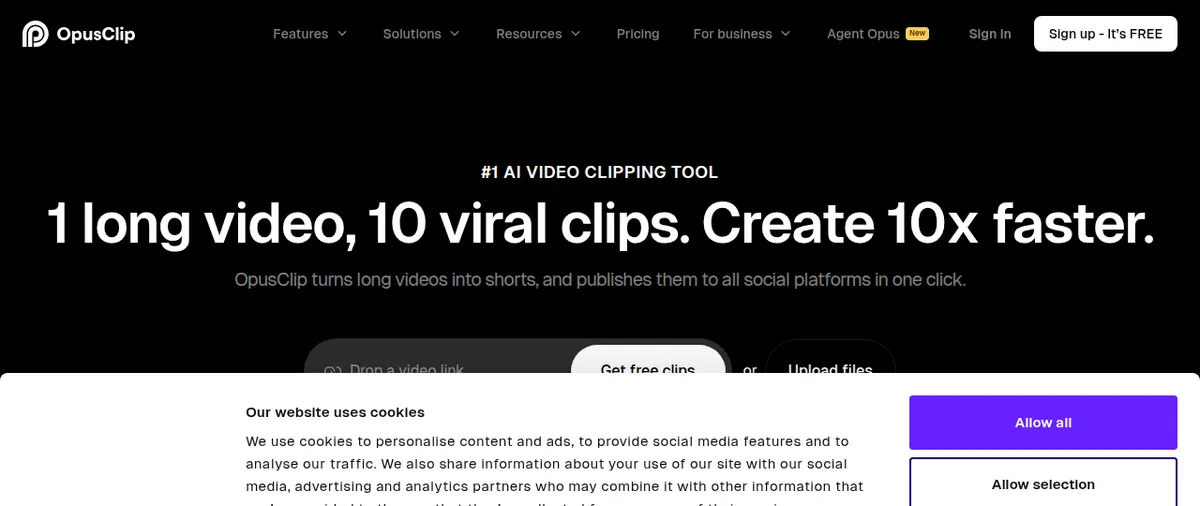
Opus Clip is the answer to a specific creator pain: turning long-form podcasts and YouTube videos into short-form social clips at scale. Upload a 60-minute video, get back 10–15 short clips with captions, face tracking, and social-ready aspect ratios.
What it does well
The auto-clipping AI is surprisingly good at finding self-contained moments — quotes that work standalone, story beats with hooks. Active speaker tracking auto-frames the 9:16 crop. Caption templates produce social-ready output without design work. For podcasters and YouTubers producing weekly long-form content, it converts “one video published” into “15 social posts shipped.”
Where it falls short
The virality score over-promises — it’s signal weighting, not actual prediction. Auto-caption styling has a recognizable Opus Clip look. Free tier limits hit fast at 90 minutes per month. Narrative video and scripted content clip less well than off-the-cuff podcast or interview content.
Who it’s for
Anyone shipping long-form video weekly and trying to feed the short-form social funnel — podcasters, YouTubers, founders posting clips from interviews, marketing teams repurposing webinars. For creators only making short-form, this isn’t the right tool.
Stacks that include Opus Clip
Frequently Asked Questions
How does Opus Clip pick which moments to clip?
AI analyzes audio energy, sentence completion, and topical coherence to find self-contained moments. Quality depends heavily on source content.
Is the virality score accurate?
Use it as relative guidance within a video, not absolute prediction. It tracks signals like hook strength and pacing but can't predict actual reach.
Can Opus Clip auto-post to TikTok and Reels?
Yes — direct posting to TikTok, Instagram Reels, YouTube Shorts, and LinkedIn. Scheduling included on paid plans.
How does Opus Clip compare to manually clipping?
A skilled editor will produce better clips, but Opus delivers 80% of the quality in 5% of the time. For high-volume creators the trade-off is worth it.
Is the free tier enough?
90 minutes/mo covers occasional use. Heavy creators need Pro at $19/mo (300 min) or Premium ($29/mo, 1,200 min).
We earn commission on purchases through our links at no cost to you. Learn more.